01
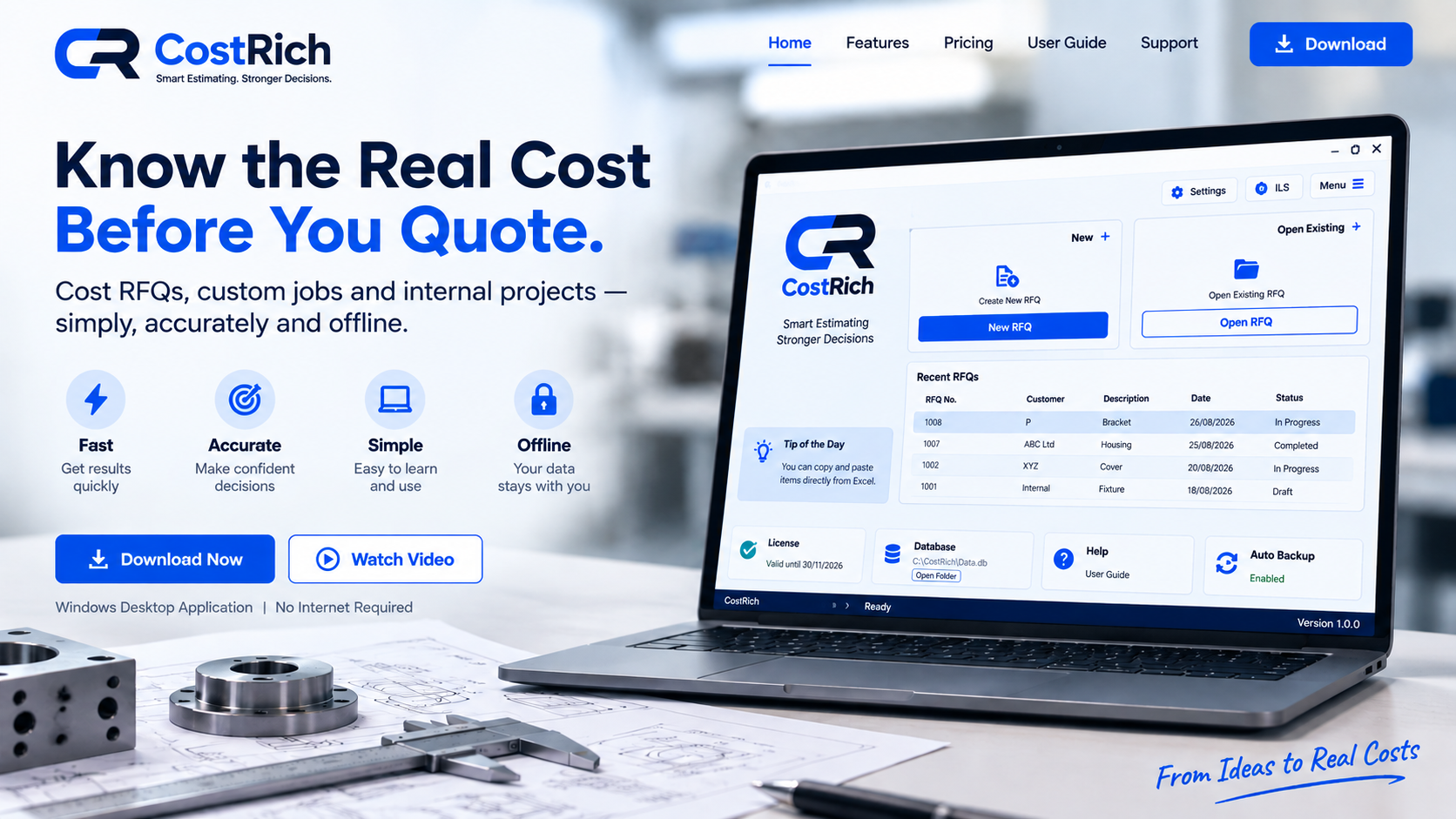
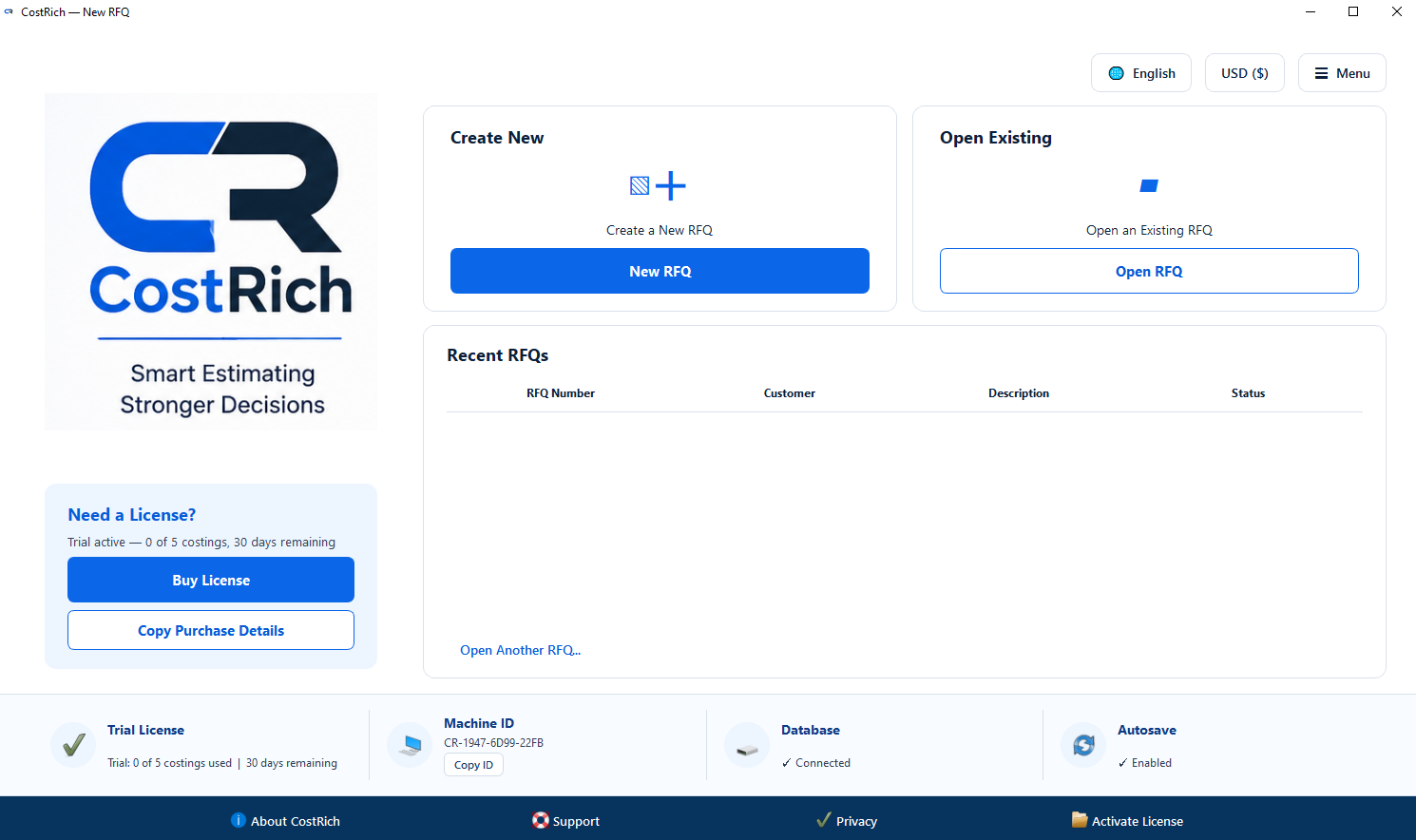
Start from the Home screen
Create a new RFQ, open existing work, and access the main CostRich controls from one place.
Each step follows the same job, so the data stays structured from the first RFQ details through costing and quotation.
Create a new RFQ, open existing work, and access the main CostRich controls from one place.
Define the customer request, job details and the hourly rates used for the selected manufacturing processes.
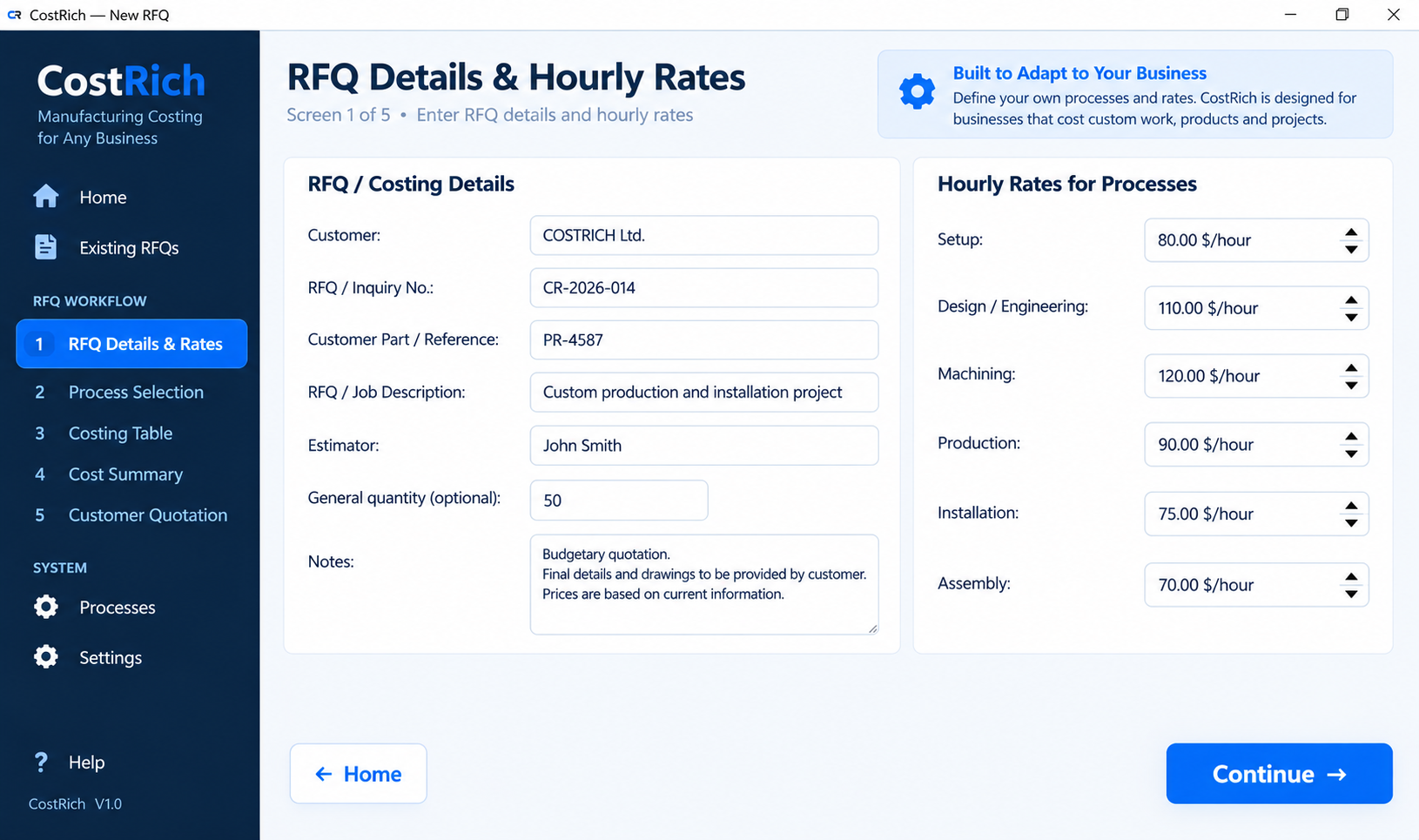
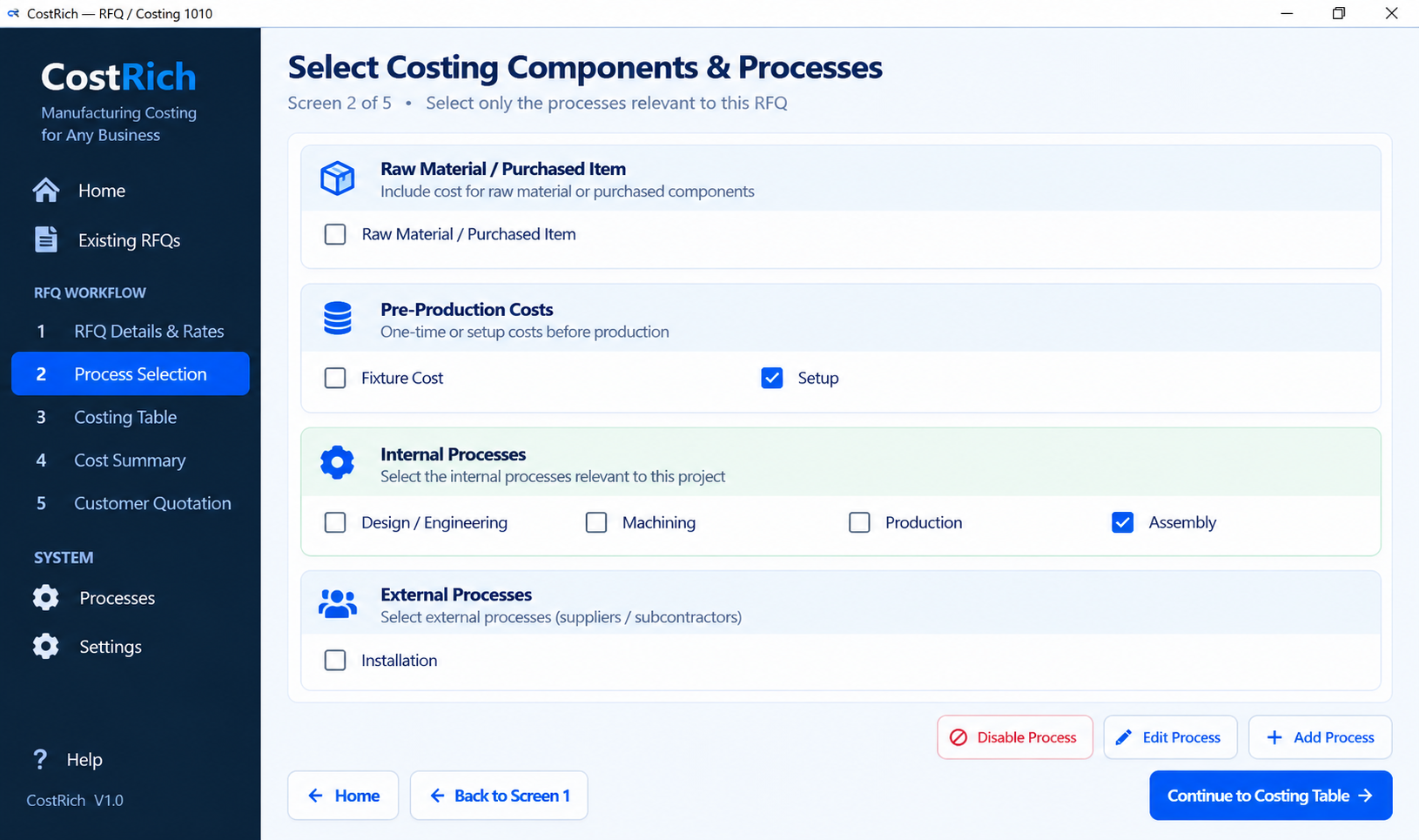
Choose only the material, pre-production, internal and external processes that belong to this RFQ.
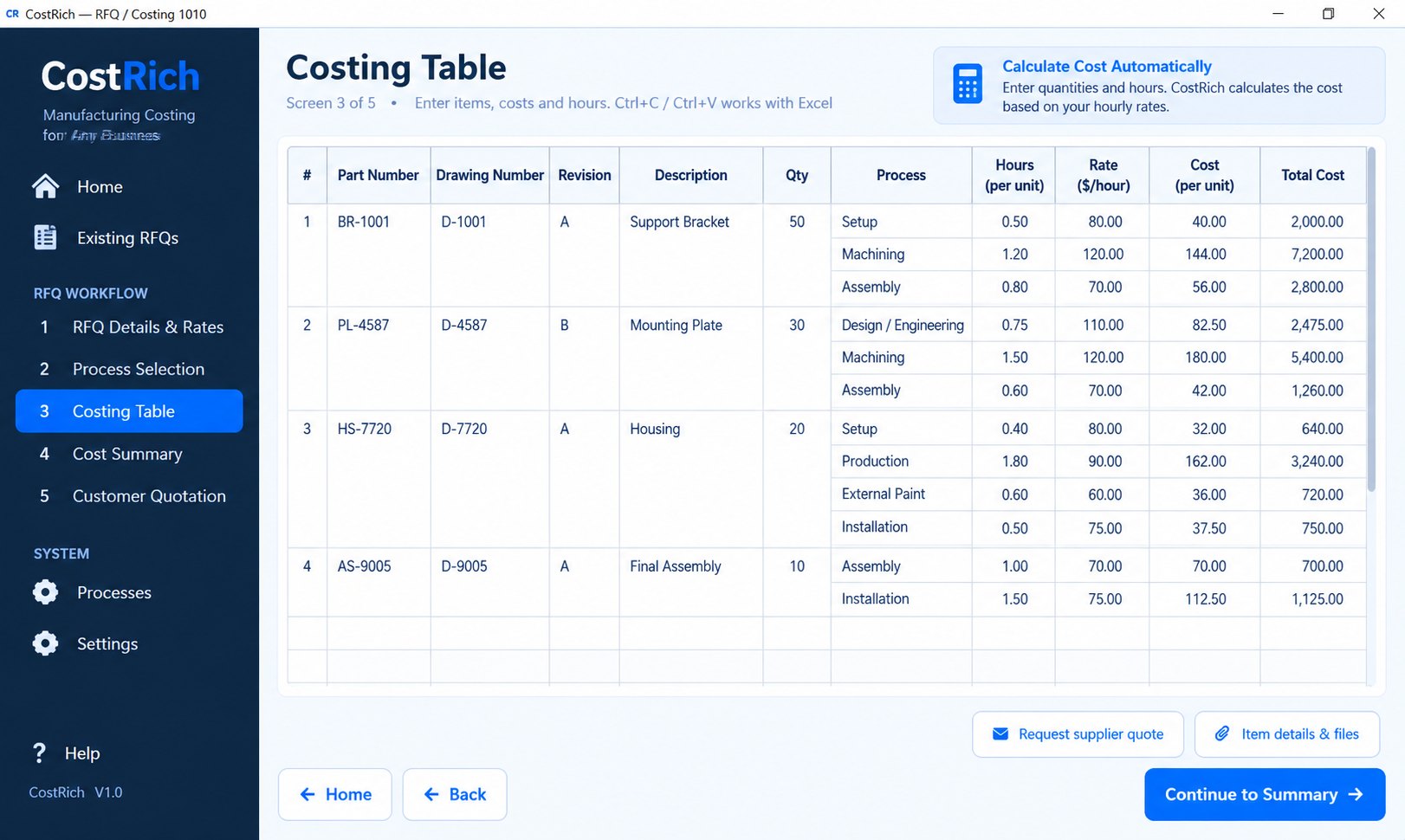
Enter quantities, material, internal hours and external costs in one structured costing table.
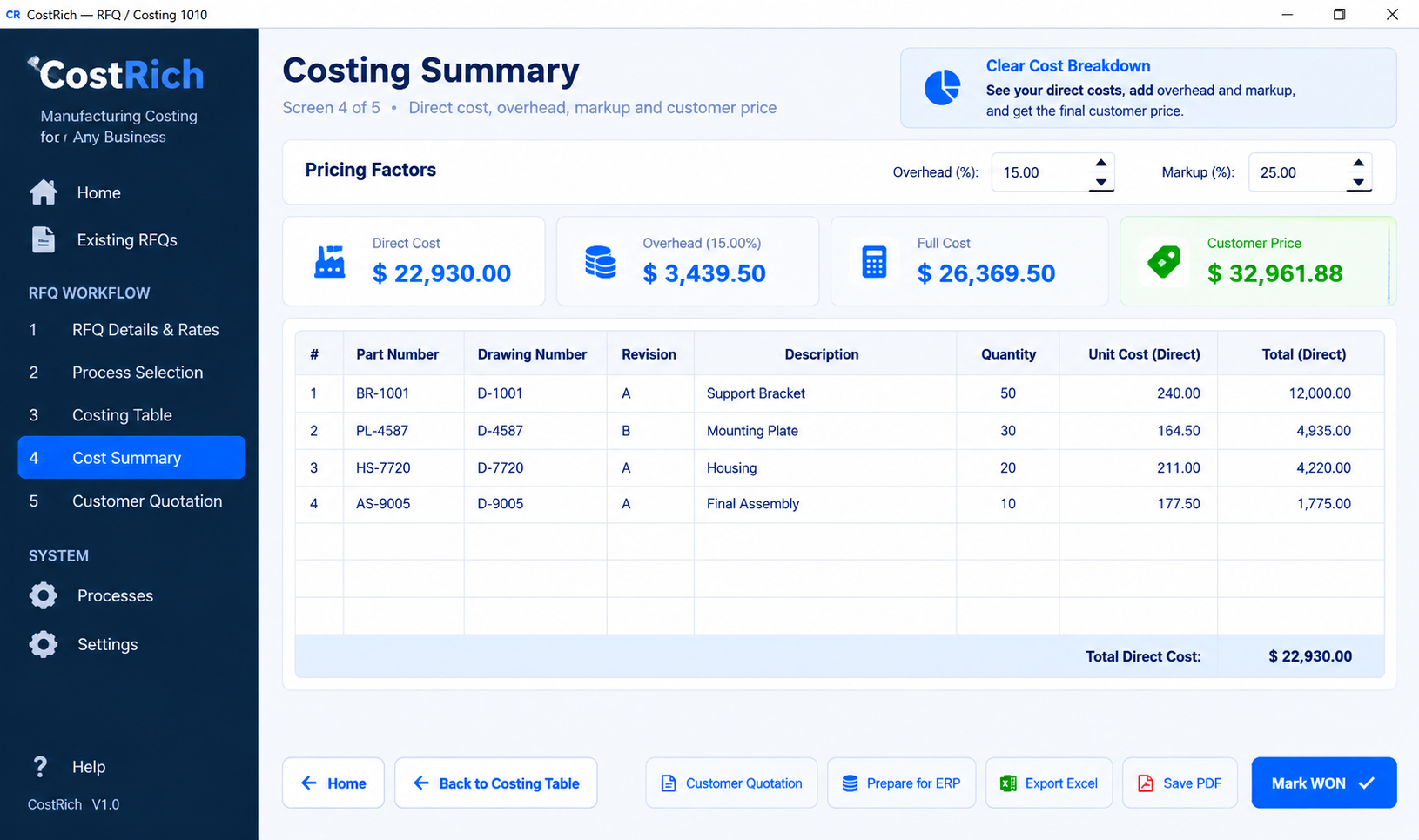
See direct cost, overhead, markup and the calculated customer price before committing to the quotation.
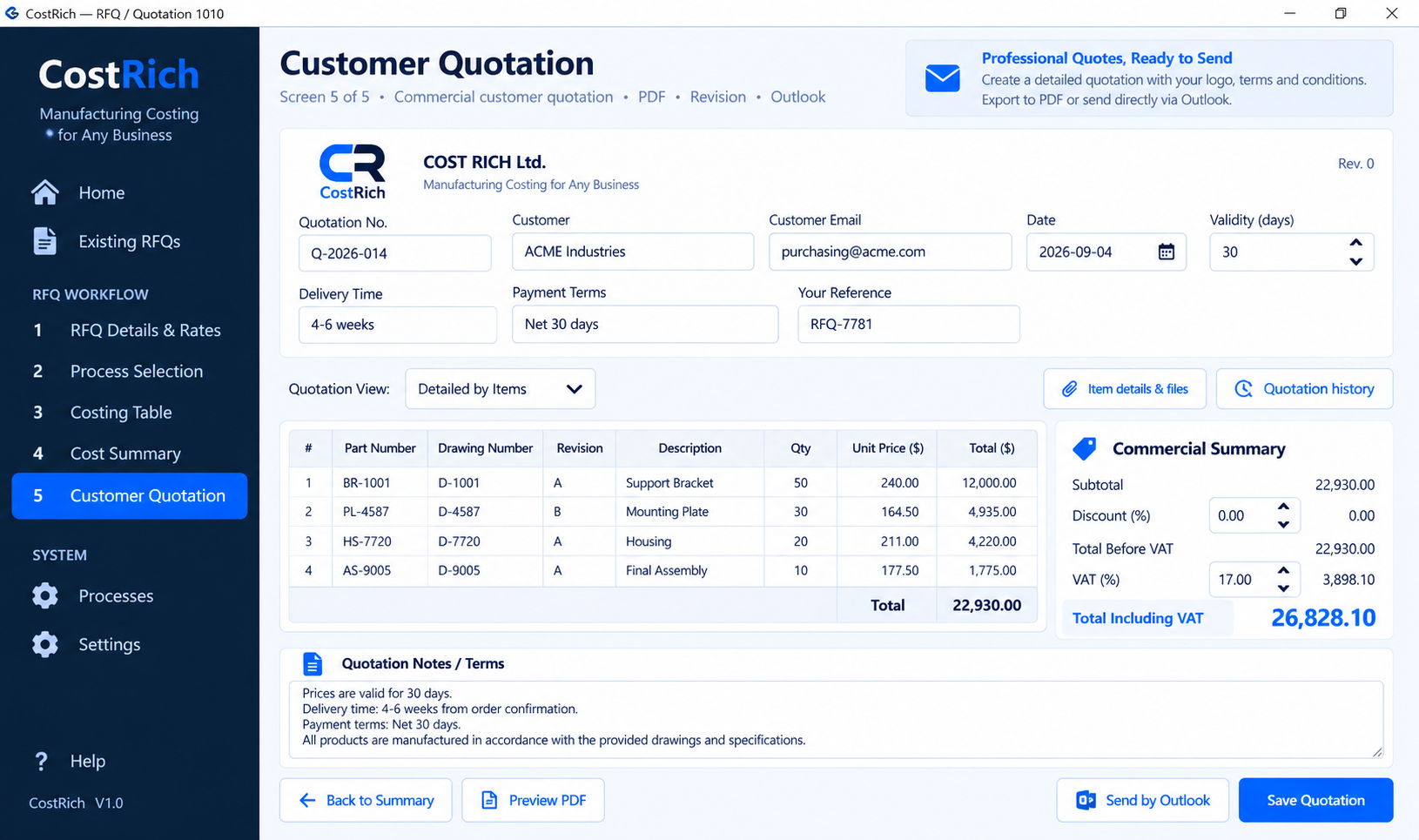
Create the customer-facing quotation from the same costing data, ready for PDF or email.
The current release includes a 30-day trial, limited to 5 costings.
Purchase is completed from inside the CostRich application after installing the Free Trial.
Alternative direct download (Windows). This EXE is not digitally signed; your browser or Windows may show a security warning. Download only if you trust the source.
Download CostRich from Microsoft Store and start your free 30-day trial.
Practical resources for estimating manufacturing costs, CNC jobs and customer RFQs.
No. CostRich is designed as a local desktop application. Your operational costing data stays on your computer.
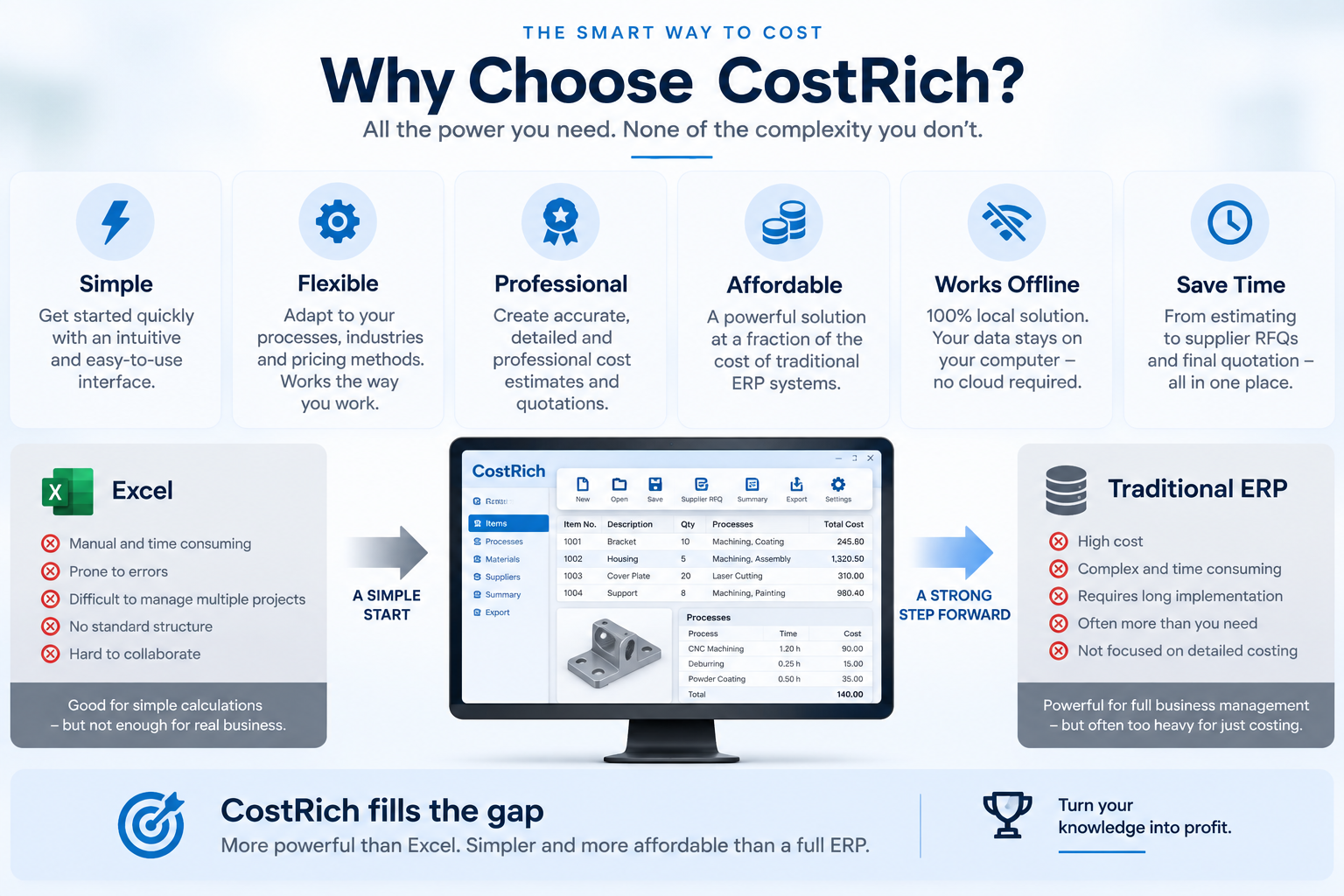
No. CostRich is a focused costing and quotation tool designed to work before and alongside your ERP.
Yes. CostRich can prepare supplier RFQ information from selected items and external processes.
Yes. CostRich supports PDF and Excel outputs for relevant parts of the workflow, including ERP handover data.
Contact us for product, purchase or support questions.